ChatFlowChart
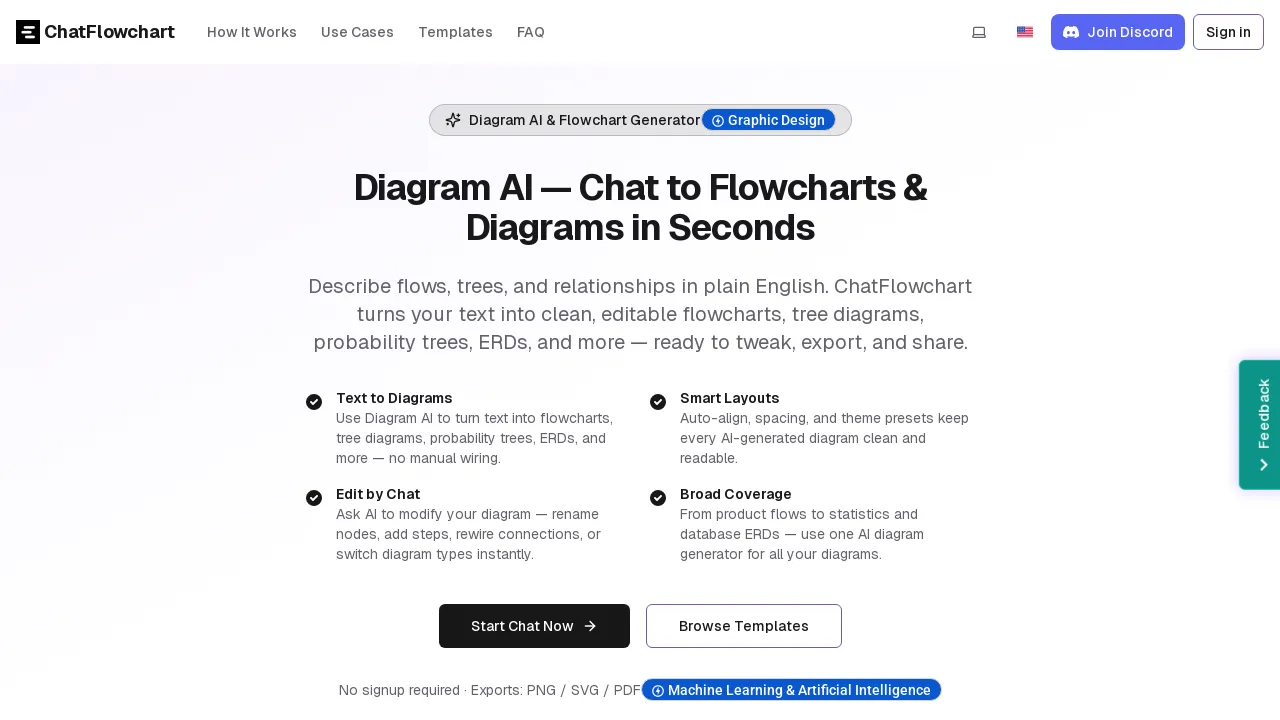
ChatFlowchart is an AI-powered diagram generator that converts plain text or chat-style prompts into clean, structured, and fully editable diagrams. You simply describe a workflow, product logic, system architecture, business process, or data model, and the AI immediately produces a clear visual representation you can refine and iterate on. It supports a wide range of diagram formats, including flowcharts, mind maps, ER diagrams, UML, C4 models, BPMN, and more, so you can choose the best structure for different use cases without starting from scratch.
Unlike traditional diagram tools that require manual dragging and alignment, ChatFlowchart focuses on speed and clarity: generate a first draft in seconds, then improve it by continuing the conversation. You can ask the AI to reorganize steps, rename nodes, simplify complexity, add missing branches, or restructure the diagram for better readability. You can also switch diagram types at any time while keeping the same underlying idea, making it easy to explore multiple visual representations of the same content.
When you are ready to share or document your work, export your diagrams to common formats such as PNG, SVG, or PDF. No signup is required, so you can go from idea to diagram instantly and keep momentum while designing, documenting, or explaining your thinking.